Key takeaways:
- A WMS records the shelf location of a product but holds no record of where the trailer that carried it is parked, which is exactly where coordination breaks down.
- A scheduled appointment is not proof of a visit, since it confirms neither gate check-in, a completed spot move, nor departure, leaving counts stale and pickups delayed.
- YardView sits alongside the WMS as a yard execution layer, turning a load ready signal into a prioritized in-cab move request and recording every arrival, spot, and gate exit.
- Good setup maps three distinct handoffs: the load ready signal, the move complete record, and the gate exit timestamp, and all three should be confirmed before go-live.
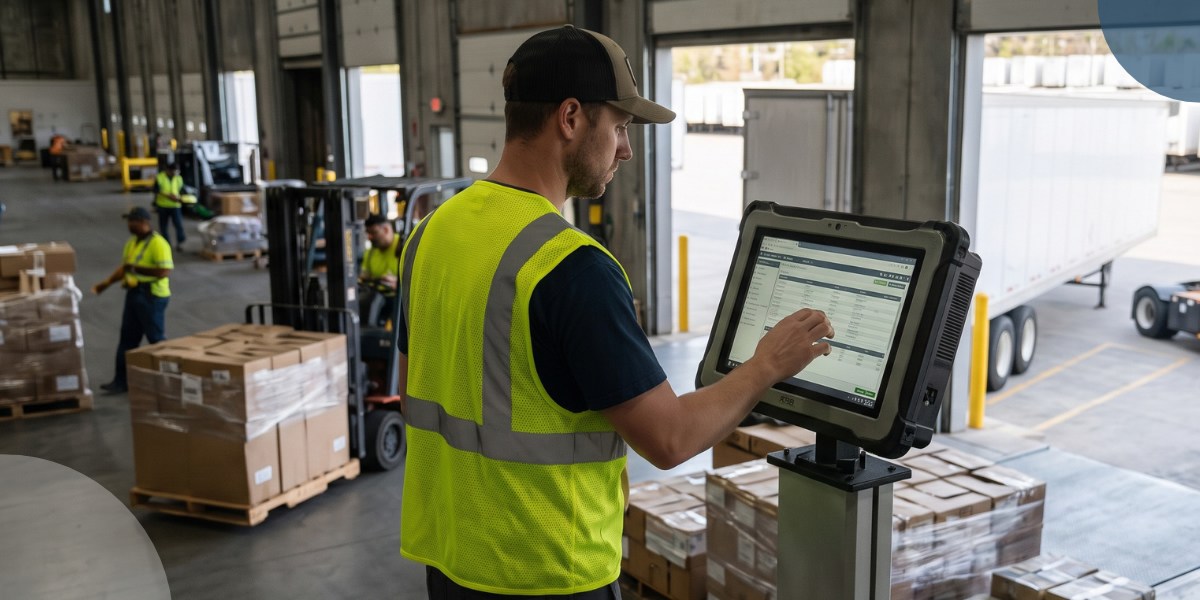
If your warehouse team already knows which load it needs next, but the yard team is still hunting for the trailer, that gap is where coordination breaks down.
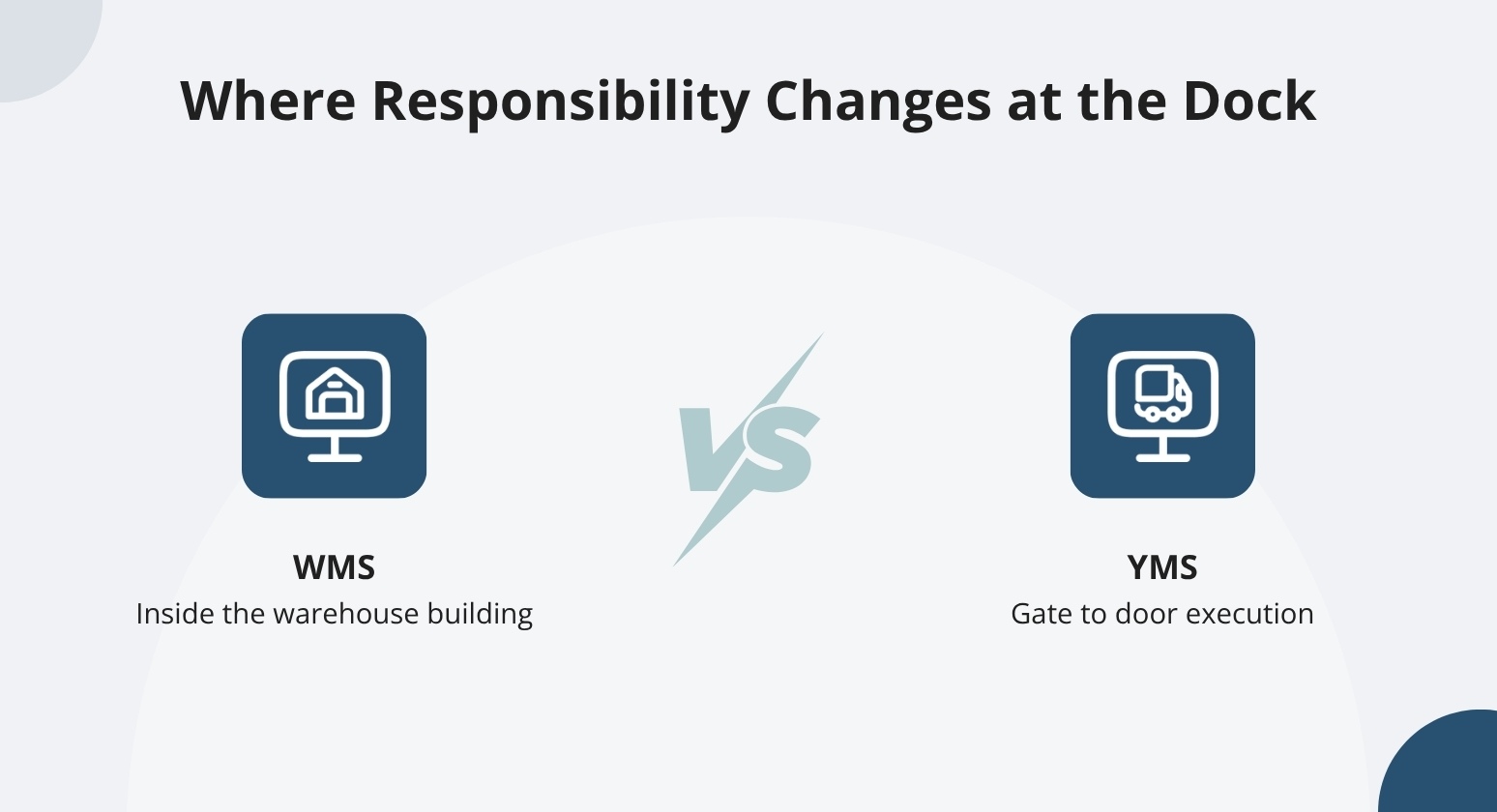
A warehouse management system (WMS) manages warehouse workflows and goods storage. It covers receiving, putaway, picking, packing, and shipping inside the building. A yard management system (YMS), by contrast, handles what happens outside the building. It tracks trailer location and records gate check-in and check-out. It also schedules dock appointments and directs spotter moves.
The cleanest starting mental model is inside the warehouse versus gate-to-door. Treat it as a starting point rather than a hard line, because many WMS platforms include a yard module of some kind, and the depth of those modules varies widely.
What Is a Warehouse Management System?
A Warehouse Management System (WMS) is a solution that controls, tracks, and optimizes daily warehouse and distribution center operations from the moment goods arrive until they are shipped out.
The WMS shows workers what to do at each step. It logs every action as it happens. The WMS tracks goods from arrival until they leave on an outbound load.
Receiving and Inventory Location
Warehouse management begins at the receiving dock, where staff check incoming goods and assign them to designated storage locations. The WMS records each item's bin number or shelf location so staff can retrieve each item without searching the floor.
That record ends at the warehouse door; it covers what's on the shelf, not what's in the yard. The WMS holds a product's shelf location. But it has no record of where the trailer that carried it is parked in the yard. Inventory records can look complete on screen.
Meanwhile, a driver is still circling the lot looking for the right trailer. That gap may not surface every day, but when it does- a delayed unload, a missed appointment, a scramble at the dock- it hits fast.
Picking, Packing, and Shipping
A WMS guides pickers to the right location so workers spend less time searching and more time pulling the correct items. It supports packing decisions and helps workers confirm an order is complete before it moves to shipping.
The WMS doesn't track whether the outbound trailer is in the right spot at the door. An order can be packed and ready while the trailer is still somewhere in the yard.
WMS vs. YMS: Where Responsibility Changes
The dock is where warehouse work meets yard execution. Warehouse teams own what happens to freight at the door. Yard teams own the equipment getting to and from that door.
An appointment isn't the same as a visit. A scheduled arrival tells you a carrier planned to show up. It doesn't confirm gate check-in or a completed spot move. It doesn't confirm departure either. Treating the appointment record as proof the visit happened can leave counts stale and pickups delayed.
How a WMS and YMS Work Together
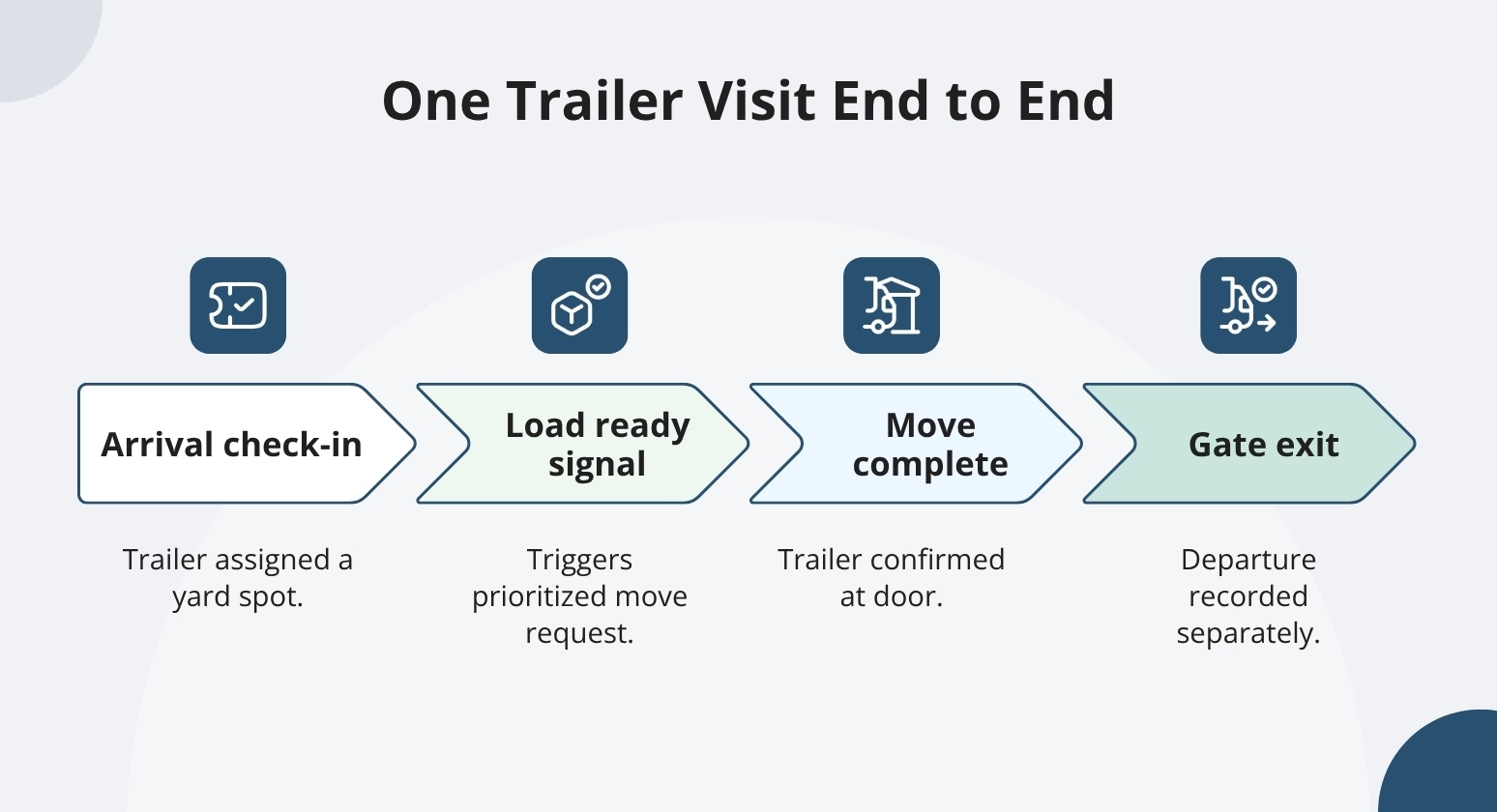
That shared dock handoff is clearest when you trace a single visit end to end. When a WMS and YMS connect, each system covers a different stage of the same trailer visit. The workflow below is illustrative; confirm which steps your specific systems support before assuming any handoff happens automatically.
Arrival and Yard Placement
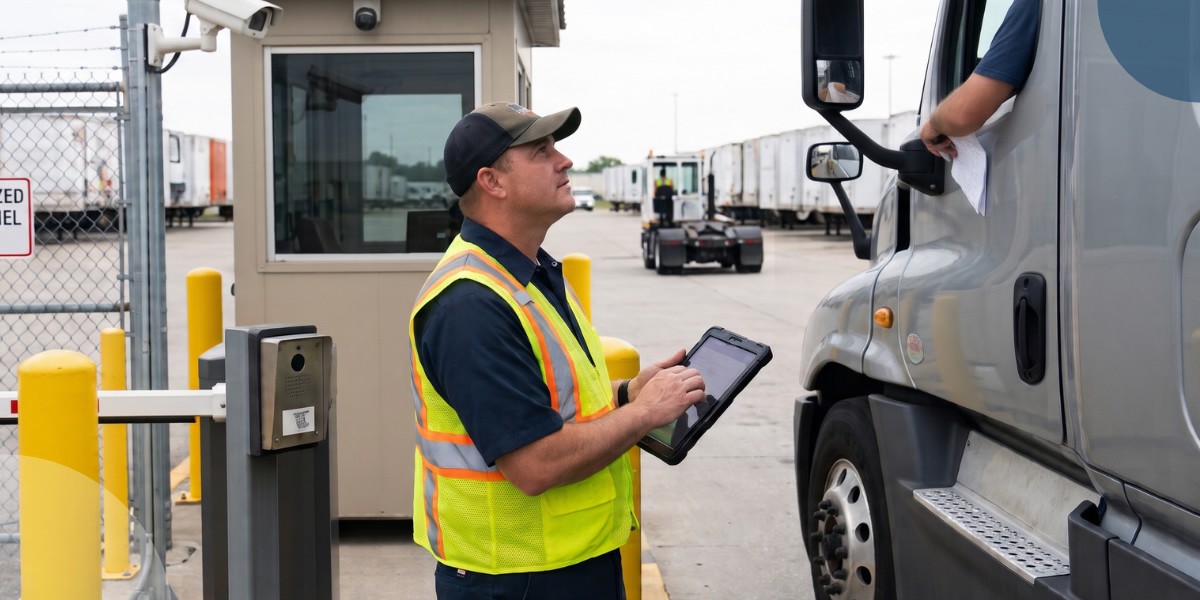
At check-in, assign a trailer to a specific yard location or dock door before the driver moves another foot. When placement isn't directed at that moment, drivers wait at the gate while someone locates an open spot.
Modern platforms like YardView record the arrival. It then directs the trailer to an open yard location or dock door, so the trailer can reach the right door without anyone picking up a radio.
Warehouse Readiness and Trailer Moves
When the WMS marks a load ready, that event can trigger a move request in YardView, subject to whatever rules your configured rules define. A prioritized move request appears in the cab, directed and ready, with an Accept, Start, and Finish workflow that records each step.
When the driver marks the move Finish, that completion updates in YardView so the next person in the workflow can see the trailer is ready to receive. If your connection is configured to pass that completion event, the warehouse team can confirm the trailer is at the door.
That confirmation lets the WMS proceed with the receipt.
Arriving at a door and completing the warehouse receipt are two separate events. Both typically need to close before the visit is complete.
Loading Completion and Departure
A load marked shipped in the WMS is a warehouse event. It says nothing about whether the trailer has moved to the gate or cleared the facility.
Treat these as separate status events, and keep that separation during implementation planning, too. Good setup maps three distinct handoffs: the load-ready signal, the move-complete record, and the gate-exit timestamp. Confirm all three before go-live.
Where a WMS Yard Module Can Fall Short
Some WMS platforms include meaningful yard functionality. SAP EWM, for example, documents yard movements using warehouse tasks, checkpoints, and doors.
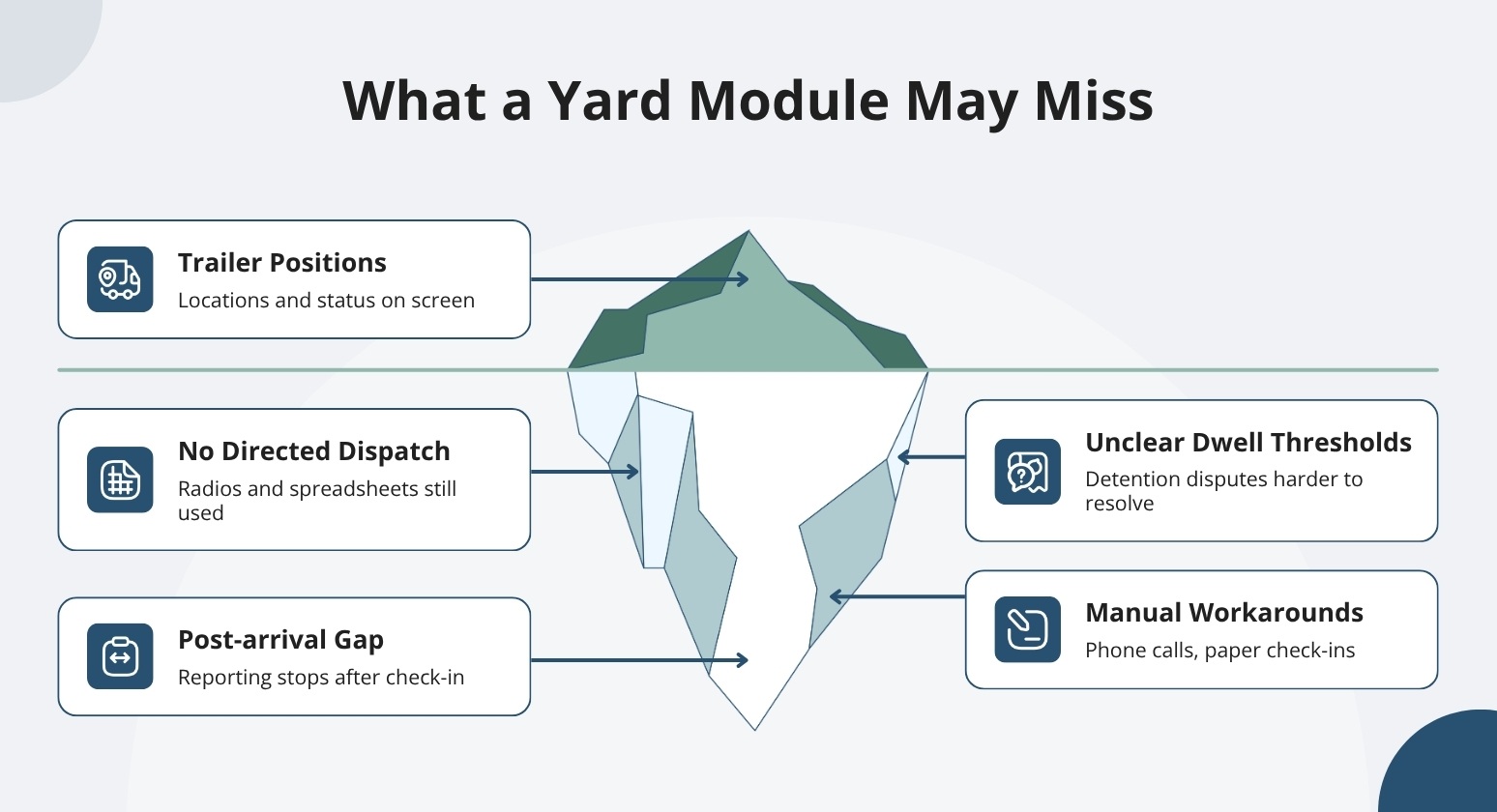
Having a module is a start. The real question is whether that module's licensing, configuration, and workflows cover what a yard requires. If they don't, the cost shows up in dwell time and manual workarounds like phone calls to locate trailers or paper-based check-ins.
Trailer Visibility vs. Driver Execution
Some WMS yard modules record trailer positions without telling drivers what to do next. If your team still uses radios and spreadsheets to dispatch moves, the module may show where trailers are without prioritizing which one should move first or directing a driver to go get it.
That missing dispatch step can keep spotters hunting for equipment and drivers waiting on instructions.
Ask whether the module assigns a prioritized, directed task in the cab or only shows trailer locations and static status on a screen. YardView surfaces prioritized move requests on in-cab tablets so drivers receive a directed task rather than a radio call.
Gate Flow and Post-arrival Dwell
Appointments and door assignments cover the scheduled part of a visit. They don't tell you what happens after the trailer arrives. If your yard is seeing gate queues, trailer searches, or delayed pickups, those symptoms often trace back to the post-arrival gap, the stretch of time when a scheduling-focused module stops reporting.
When evaluating any yard module, ask what it shows after check-in. Can it tell you which trailers have exceeded dwell thresholds? Does it surface the data you'd need to verify a detention charge or resolve a billing dispute?
What a WMS-YMS Integration Requires
"Supports an API" is not the same as a working connection. Good planning starts with agreement on what data gets shared, which event triggers which action, and who owns the correction when something goes wrong.
Shared Identifiers and Record Ownership
Before connecting your WMS and YMS, confirm the identifiers each system uses to reference the same physical asset. That list can include trailer IDs, load and shipment references, appointment numbers, door assignments, yard locations, and event timestamps.
A trailer identifier and a shipment reference are not the same thing. If your systems treat them as interchangeable, a mismatch in IDs can release the wrong trailer without anyone catching it.
Agree on which system holds the authoritative status for each data point. If both systems can update trailer status, you need a clear rule for how they reconcile. That agreement is what gives warehouse and yard teams a shared picture rather than competing versions of the truth.
The identifier and ownership rules above are implementation recommendations to confirm during setup, not default mappings.
Event Timing and Exception Handling
Before the integration is active, confirm which updates pass through immediately. Then confirm which arrive on a scheduled exchange.
The timing difference between immediate and scheduled updates matters during a busy shift. A missed update can leave a trailer marked available when it has already been assigned. A duplicate message can trigger two move requests for the same asset.
It's worth asking your implementation team a few specific questions. What happens when a trailer reference arrives with an incorrect ID? Who corrects it, and how does that correction reach both systems? And if the connection drops temporarily, what's the fallback?
Not every system can maintain a direct connection. YardView also accepts uploaded files for legacy or homegrown tools that can't connect directly. That keeps the yard record current regardless of what the sending system supports.
How YardView Works Alongside Your WMS
A WMS can tell you exactly what sits on every rack inside the four walls, but the moment freight crosses the gate, it falls silent, and that gap is where detention charges, missed appointments, and hunting for trailers quietly erode throughput.
YardView closes that gap by giving the gate, yard, and dock the same real-time accuracy the warehouse already enjoys, then feeding both systems the trailer-level truth they need to operate as one.
- Drag-and-Drop Visibility Console: A graphical view of the entire yard showing up to 20 data points per asset, with color-coded rectangles for load status, cargo direction, carrier code, trailer ID, location, and dwell time.
- WMS and TMS Move Triggers: Move requests created automatically through integration triggers from WMS and TMS systems, manually by users, or directly by yard drivers, then displayed in priority order.
- Move Assist Recommendations: Automated "next best move" suggestions based on backend mapping, proximity, urgency, and request age, with skip reasons captured from a predefined list for continuous improvement.
- Dock Scheduling With Four Booking Paths: Appointments created via ASN, TMS, or WMS integration; carrier self-service portals; system-triggered events; or manual entry, with QR code check-in and threshold-based detention alerts.
- Flexible Gate Configurations: Touchless, manned, or unmanned gates supported by AI cameras for OCR, QR scans from a driver's own device, kiosks, ELD integrations, GPS geofencing, and Fast Pass for trusted carriers.
See what a connected yard looks like alongside the warehouse systems already in place, and judge the difference for yourself.