Key takeaways:
- Both YardView and Project 44 run real yard execution, so the tidy framing of yard management versus shipment visibility does not survive a demo and leaves buyers comparing overlapping capabilities.
- The platforms separate on exception handling rather than core tasking, which means the skipped spotter move, the incomplete task, the supervisor override, and the unexpected gate arrival decide the real fit.
- YardView delivers up to 75% faster yard audits from the in-cab device, with most implementations finishing in six weeks or less and most users trained in about an hour.
- Project 44 publishes no numerical yard pricing or deployment timeline, so buyers should request written proposals covering hardware, connectivity, and user counts to compare total ownership cost on equal terms.
Picking between YardView vs. Project44 comes down to one practical question: which system helps your crew find trailers, decide the next move, and keep the gate moving? The second part of that question is cost control, specifically, the fees and hours that quietly bleed out of the yard every shift.
Both vendors run real yard execution.
The comparison runs through three lenses: operational fit inside the fence, what implementation asks of your sites, and the financial outcomes you can verify against your own invoices.
YardView vs Project44 at a Glance
The table below compares both platforms across the capabilities that matter most on a working shift. Both platforms go deep on execution. The more useful question is where each system concentrates its strengths:
Day-to-day Yard Control
Running a shift without accurate trailer locations can cost a spotter some time before a single move starts. Both YardView and project44 address this directly: one through in-cab task delivery and yard audit workflows, the other through automated task assignment and predictive arrival data.
The right fit depends on where your operation loses the most time.
Trailer Visibility and Yard Audits
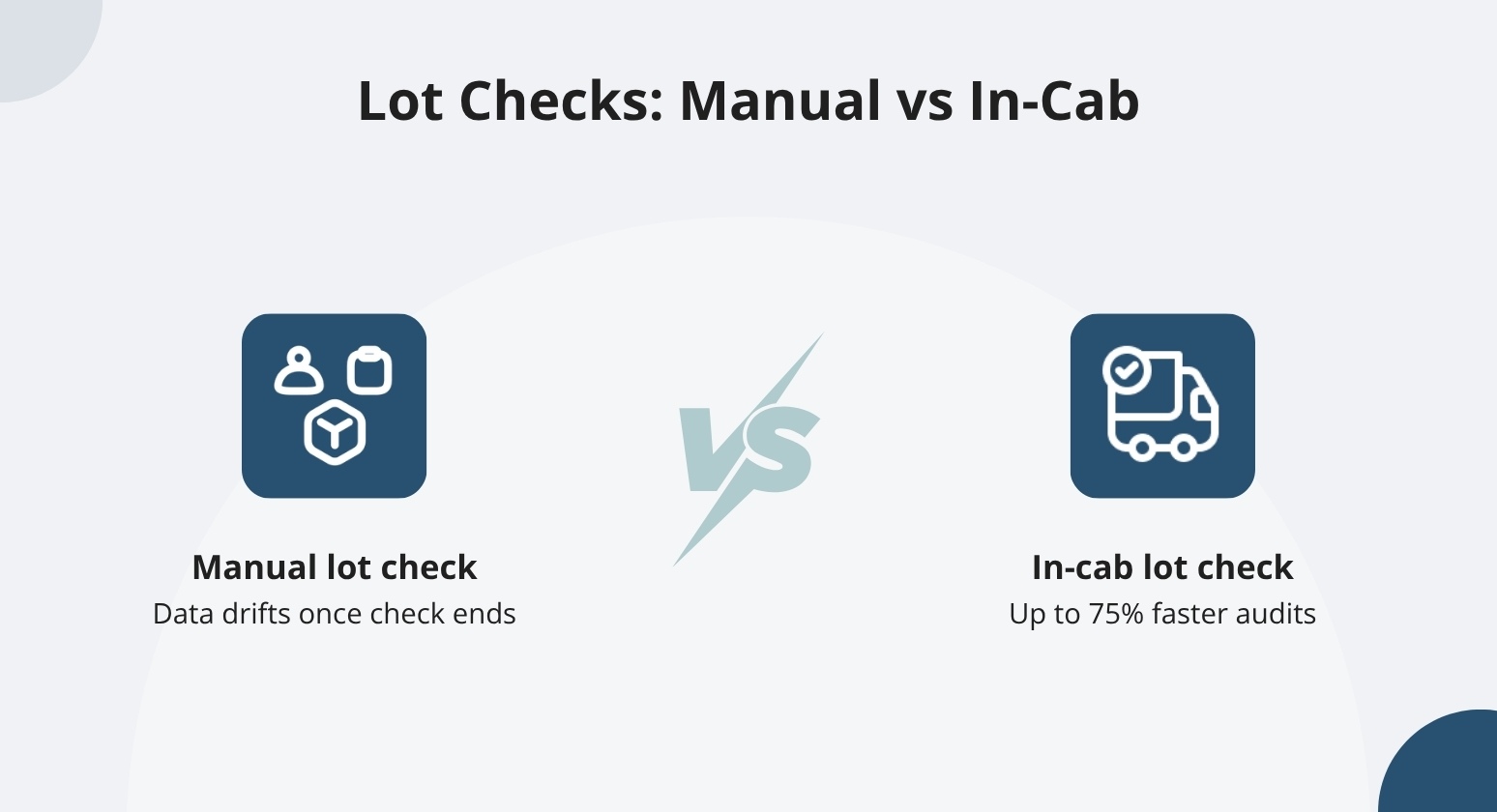
Yard maps go stale fast. The moment a manual lot check ends, the data starts drifting, trailers move, positions shift, and the map no longer reflects what's on the ground.
What you should evaluate in any platform is:
- How location updates are triggered
- How correction workflows work
- How accurately trailer status is maintained
- What ongoing effort is required to keep the map current
A modern YMS should help you see every asset on a live yard map that updates as moves happen. The map shows trailer ID, load status, dwell time, carrier code, and current location across every dock, spot, lane, and waiting zone.
A yard manager can see which trailers have been sitting long enough to trigger a detention clock and which doors are ready to release.
The two platforms differ in how they handle lot checks. YardView delivers up to 75% faster yard audits, with lot checks completed from the in-cab device so drivers verify and correct positions without leaving the truck.
Watch: Faster Lot Checks: Confirm, Update, Done. #yardmanagement #supplychain #efficiency #saas
Before committing to either platform, ask how each system handles location corrections. Ask how quickly the map reflects a completed move. Ask what keeps the data accurate between audits.
Spotter Tasking and Driver Productivity
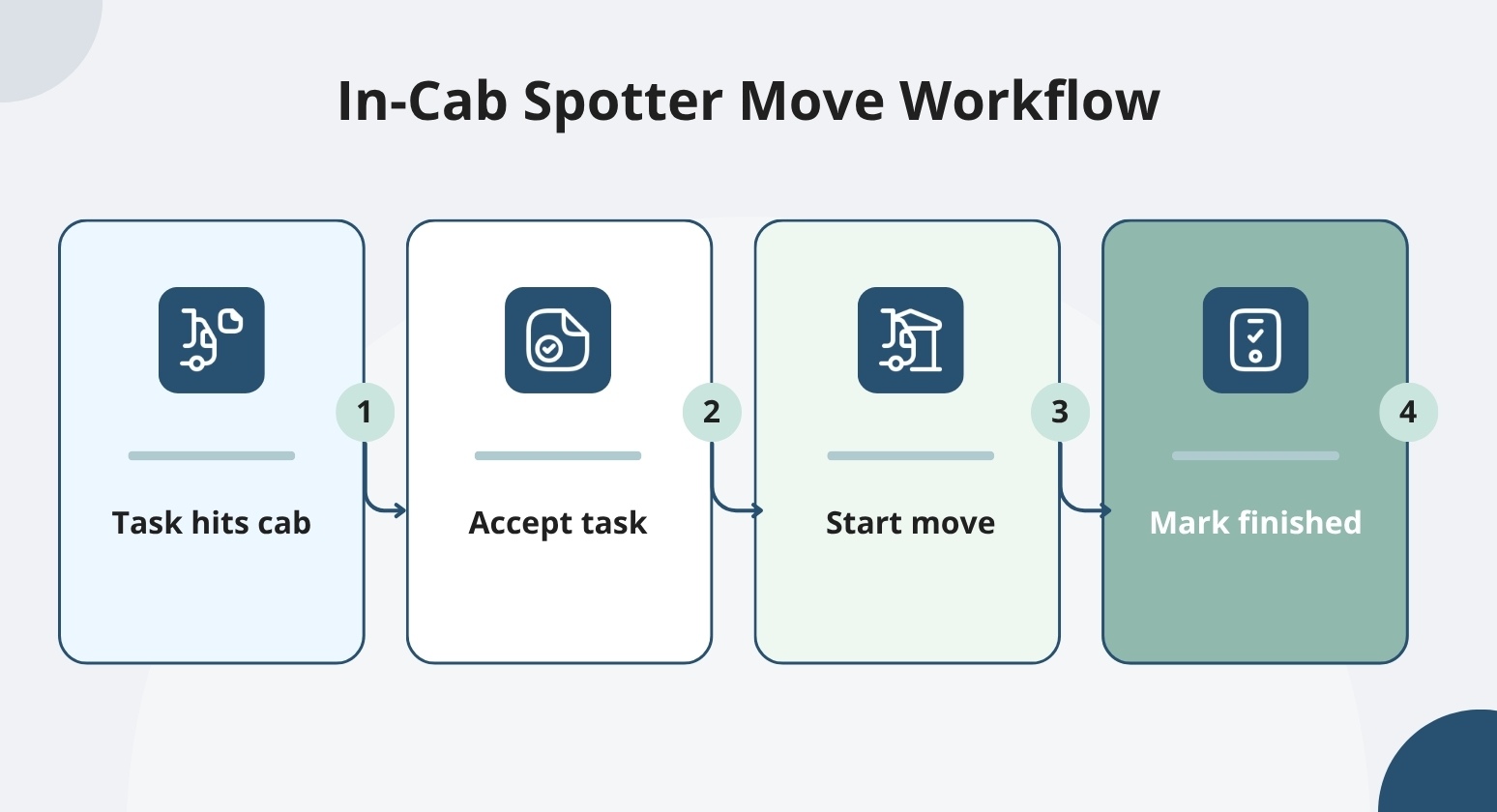
When a task hits the cab, the spotter sees a prioritized list of moves instead of a radio call to wait on. YardView delivers next-best-move instructions directly to the in-cab device, ranked by urgency, proximity, and request age. The spotter accepts the task, starts the move, and marks it finished. Those three steps reduce the back-and-forth between dispatcher and driver that can build up across a busy shift.
When a spotter skips a suggested move, the system requires a reason from a predefined list. That recorded exception gives supervisors the data to adjust priorities instead of repeating the same mismatches.
project44 also supports spotter tasking. The system can generate trailer-to-door and trailer-to-parking assignments and send SMS notifications to spotters and live drivers. Spotter tasks move without requiring a dispatcher to initiate each one manually.
Both platforms cover the core assignment problem. They differ in exception handling. That means skipped moves, incomplete tasks, and mid-shift supervisor overrides. A good evaluation includes asking both vendors to walk through reprioritization, incomplete-move handling, supervisor overrides, and task-completion records in a live session.
Gate Flow and the OTR Driver Experience
Gate lines can run long when check-in depends on a guard manually entering driver and trailer details. That wait frustrates drivers. It also puts drivers on foot in an active yard, which increases the chance of an incident.
Good gate design reduces that physical movement. When a driver can check in without leaving the cab, the yard gets safer, and the line moves faster. That means check-in options need to work from the cab, support a range of carrier types, and still allow exceptions.
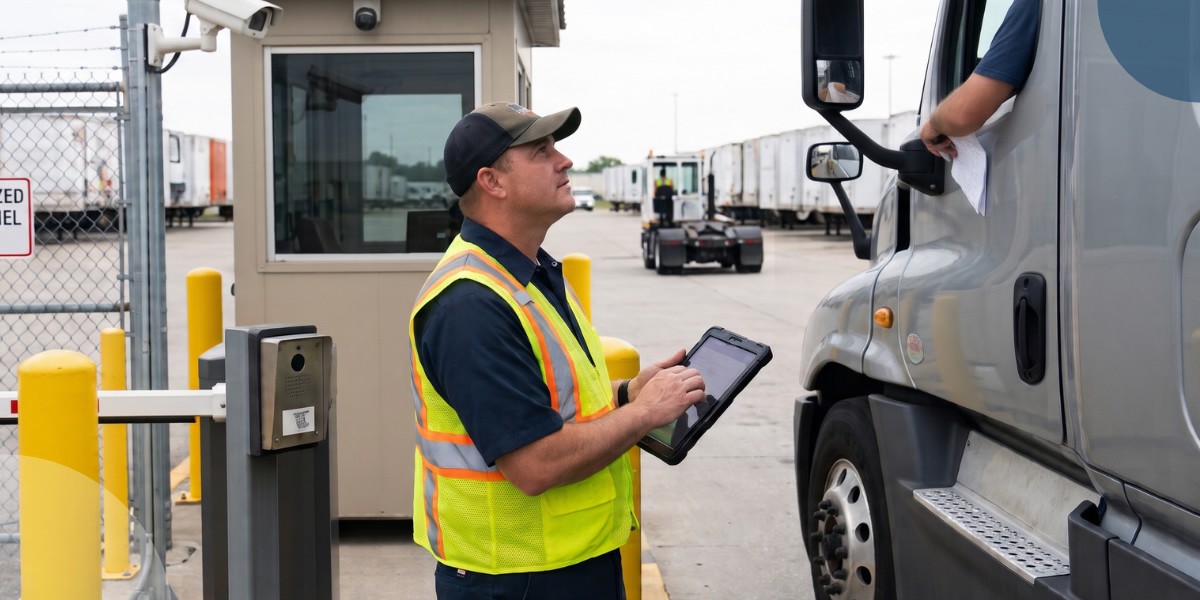
YardView supports QR-code scanning, AI smart-camera OCR, and GPS geofencing. Self-service kiosk check-in is also available. Drivers can scan a QR code from their own device without downloading an app.
After check-in, SMS updates keep drivers informed; in the cab, arrival confirmations go out automatically, door-ready alerts follow, and departure instructions close the visit. For reference, project44 also documents kiosk and QR pre-check-in options, automated gate workflows, and driver text notifications with location guidance.
Neither system removes the need for human involvement in every situation. Ask both vendors how each configuration handles an unexpected arrival, a vehicle detail mismatch, or a driver who needs assistance mid-process. Some gate configurations will still require staff involvement depending on how the site is set up.
Good practice is to test exception handling and fallback procedures in a live demonstration before assuming any gate configuration can run without staff involvement.
Appointment Scheduling and Connected Workflows
Appointment calendars are only useful when they stay connected to what's happening in the yard. When a truck runs late, you need to reassign that door fast. Otherwise, the next carrier arrives and finds it blocked. Most platforms in this category link scheduled arrivals to gate, dock, and yard activity; confirm how each vendor handles that connection.
The sub-sections below cover dock appointments and system integrations in turn.
Dock Appointments and Late-arrival Recovery
A tidy appointment calendar fails the moment an exception hits. If a late inbound arrives and a dock door is already committed, the question is whether your team can see the trailer's current position in its visit lifecycle, check available dock capacity, and quickly decide whether to hold the door, reassign the slot, or reroute to staging.
Carriers can self-schedule through YardView's portal using configurable time slots, dock types, and capacity rules. Milestone tracking follows each trailer before, during, and after the visit, so your team has the data it needs to act when plans break.
project44 documents a Dynamic Slot Booking Agent that uses predictive ETA inputs to contact carriers and rebook appointments when shipments run late. Appointment milestones feed into its Movement Visibility platform to inform rebooking decisions.
Both approaches cut the back-and-forth calls and emails needed to reschedule a late arrival. Neither removes the need for human judgment when a critical exception requires approval. Your team recovers faster when it has direct, manual override controls and accurate capacity data at the moment it has to decide.
A good way to compare both vendors is to run a delayed inbound scenario against real dock capacity and labor constraints; this shows how each system supports the actual decision, not just the calendar update.
WMS, TMS, and ERP Connections
Connecting a yard system to your WMS, TMS, or ERP means more than a one-time data handoff. Without those connections, status updates fall behind, dispatchers make manual calls, and drivers wait.
The right questions to ask before you sign: who owns each connection, and how quickly does data sync? Also clarify how errors surface and who resolves them when something breaks.
YardView connects to SAP and Blue Yonder by name, using REST APIs, SOAP web services, or flat file transfers via SFTP. We connect to any system, enterprise or homegrown, so you don't have to make a rip-and-replace decision.
When a WMS closes a load, that event can trigger a status update in YardView and automatically generate a driver task. The dispatcher doesn't make a call. The spotter doesn't wait.
With project44, appointment milestones sync between Appointment Manager and Movement Visibility. Confirm the full scope of third-party interface coverage beyond that exchange in the proposal, since that's where the picture may be incomplete.
Detention, Labor Costs, and Measurable ROI
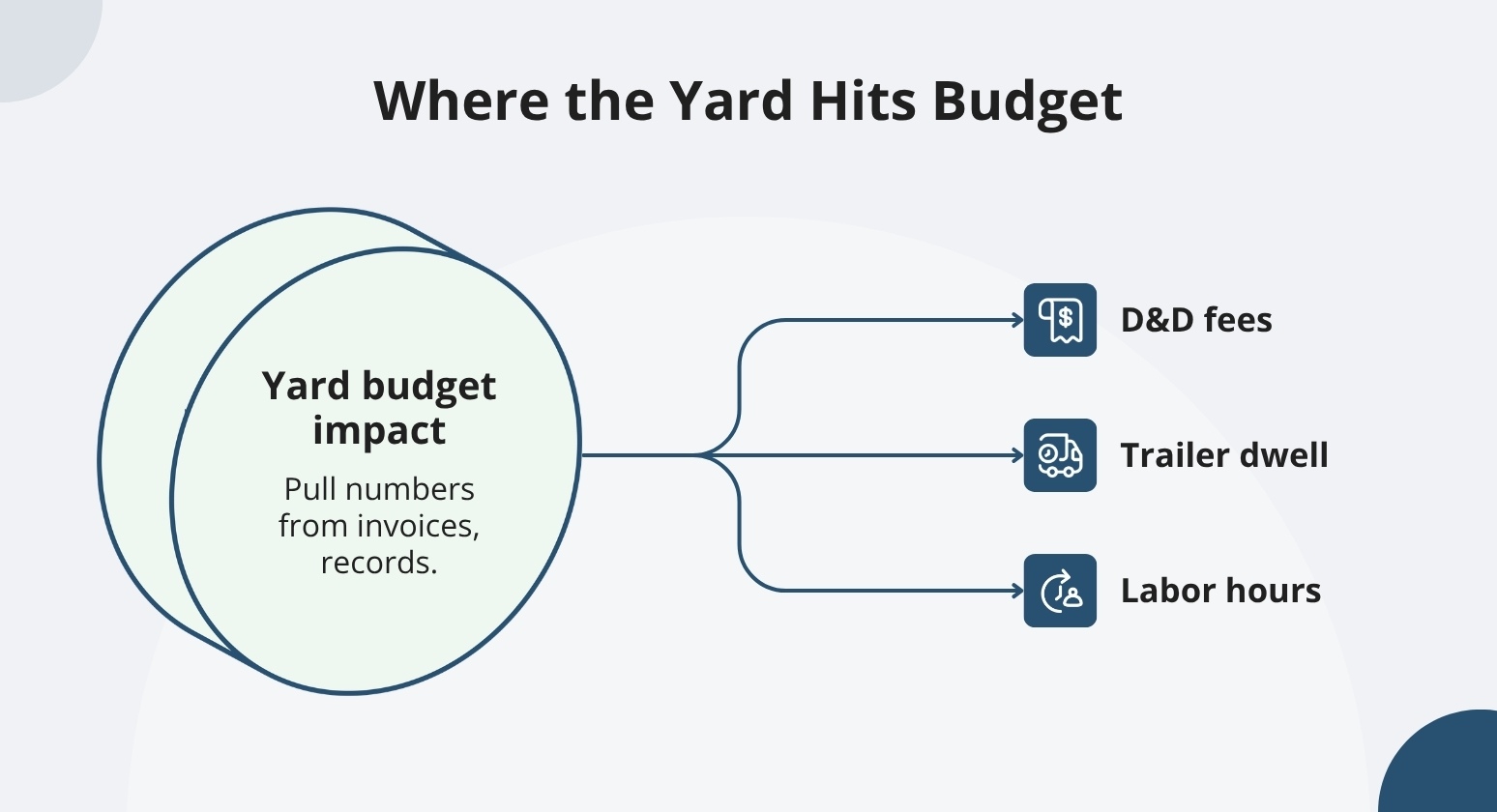
The yard shows up in the budget through D&D fees, excessive trailer dwell, overtime hours, and manual admin work. Many operations can pull those numbers from existing invoices and time records. That data is the right starting point for any technology evaluation, ahead of a vendor's savings forecast.
Dwell Time and Detention Exposure
When a charge arrives, the finance team needs exact arrival, dock, and departure times to verify or question it. Every transaction is stored with timestamped events at each point. That record gives your finance team the exact times they need to validate or question a charge.
Customers have reported reductions in detention and demurrage fees of up to 95%, reflecting outcomes from their own operations, not a guaranteed result or a head-to-head comparison. Proactive alerts fire before free time expires, giving the team a chance to act instead of paying the fee.
Project44 uses carrier contract data and last-free-day information to support loading and unloading decisions. That approach may make financial sense for operations where transportation visibility drives those timing calls.
Good due diligence starts with asking both vendors to show charge rules, alert thresholds, event timestamps, and the specific records available for charge verification. It's worth seeing each workflow live before assuming feature parity between vendors.
Labor Productivity and Equipment Utilization
When tasking is clear, and trailers are where the system says they are, spotters spend less time hunting and more time moving. Customers have also reported reductions in shuttle and spotter hours, and a leased trailer pool reduction of up to 25%.
If your yard is running extra shifts or renting yard dogs to cover gaps, those figures are worth running against your own baseline.
You may also see competitor figures cited in similar discussions. Project44 advertises up to 50% lower trailer wait times. Spotting speed and trailer wait time measure different things, so comparing them directly won't tell you which platform moves trailers faster.
A buyer-specific model can help you check the math. Good inputs include baseline move volumes, labor hours, and detention charges. Add equipment costs and total deployment expense to complete the picture.
Count each savings category once to avoid double-counting. YardView is sized for yards that need results without a large transformation budget; the math usually works without heroic assumptions.
Safety, Cargo Security, and Audit Records
Paper-based safety checks can leave gaps when steps get skipped or logged late, exposing you to compliance findings or failed audits when records are incomplete or missing.
Driver Prompts and Inspection Records
When inspection steps depend on a driver's memory, records can be incomplete by the time anyone looks for them. An audit that turns up missing steps, or no record at all, can put your compliance record at risk and leave you without the documentation needed to respond.
YardView builds safety checks, inspection steps, and temperature prompts directly into driver move tasks, required before a move closes. Every completed prompt generates a timestamped log. Timestamped inspection logs survive staff turnover and hold up when a customer or auditor questions a charge or incident.
Ask both vendors to show which steps are mandatory versus optional, how the system handles supervisor overrides, and how staff retrieve records. Confirm whether Project44 offers comparable controls before concluding the reviewed pages alone.
Blind Seal Verification and Outbound Release
If a trailer gets released with the wrong seal, the consequences can range from a customer dispute to exposed high-value cargo sitting at the wrong dock. A verification step between the outbound task and the release decision reduces that risk. It won't catch every scenario. But it puts a documented check between a high-value load and an incorrect release.
YardView's blind seal verification stores the expected seal number in the trailer record and hides it from the person performing the outbound task. That person is prompted to enter the number they physically observe before the release closes. If the numbers don't match, the system flags it.
This workflow digitally enforces compliance.
Good due diligence means asking both vendors to show how they handle mismatches. Find out who holds release permissions when seals don't align. Confirm how the system retains that evidence. Ask project44 to walk through their equivalent workflow rather than assuming a gap.
Multi-site Visibility and Performance Reporting
Consistent network measures start with consistent workflows across every site.
We support both single-facility operations and multi-site networks with the same platform. Multi-site reporting needs consistent measures, role-based access, and local configuration that lets each site run its own daily operations.
YardView provides enterprise-wide network views, facility-level rollups, automated dashboards, and scheduled reports delivered directly to the inbox. Reports can show dwell by facility, gate processing time per shift, moves completed per labor hour, and similar measures that help leadership spot underperforming sites and reallocate labor or dock assignments.
project44 describes a centralized yard management system that tackles the same consistency challenge from a different architecture.
Good vendor evaluation starts with asking each vendor to show facility comparisons and role-based access controls. Check whether local configuration options and report scheduling are available. Bring your own measures: dwell, gate processing time, move completion time, labor hours per move, and confirm the system surfaces them without custom development.
Implementation, Hardware, and Pricing
Implementation details often decide whether a good system ever gets deployed across a network of sites that can't afford to stop the yard. The factors that matter most are operational disruption during cutover, staff adoption speed, capital requirements, and total cost of ownership.
Deployment and Staff Adoption
Deployment is where many yard technology projects stall. Operations can't stop for a cutover, turnover is high, and tech literacy varies across shifts. Knowing how a vendor structures rollout, and what happens if something breaks mid-transition, matters as much as the feature list.
Most YardView implementations wrap up in six weeks or less, and most users complete training in about an hour. Phase 1 mirrors your existing processes, so the yard keeps running throughout rollout. High turnover and varied tech literacy are common in yard operations.
Phasing the rollout this way reduces the retraining burden before staff sees the full system.
When you evaluate project44, ask for their deployment and training timeline upfront. Questions about shift coverage during cutover, fallback procedures, and post-launch support will tell you a lot.
Devices, Connectivity, and Automation Hardware
The distinction between basic application access and automated asset-location infrastructure matters when you're weighing capital costs across multiple sites. Those are two different requirements, and they carry different upfront implications.
For application access, YardView connects via a browser on existing PCs, tablets, desktops, and mobile devices, with no additional proprietary hardware required. Drivers interact through SMS on their own phones, with no app to download. YardView also connects to existing GPS units already installed in yard trucks.
If you're evaluating project44, note that their RFID, GPS, and IoT options for automated asset location are a different set of requirements from basic application access. Those automation layers may make financial sense depending on your site complexity and volume, but they come with different capital considerations than browser-based access.
Before comparing costs, ask both vendors for itemized hardware and connectivity plans.
Subscription Pricing and Total Ownership Cost
Comparing total cost of ownership across vendors is harder when pricing isn't public. For capital-constrained buyers, the pricing model structure matters: whether fees are monthly or quarterly, whether the contract can start and stop to align with a service contract, and whether user count drives the bill up over time.
YardView publishes customized SaaS pricing with monthly or quarterly fees, unlimited users, no per-transaction limits, and flexible start-and-stop contract terms. Upfront project pricing is also available depending on scope. project44 does not publish numerical yard pricing. Request written proposals from both vendors that cover every cost component so total cost of ownership is compared on equal terms.
A Practical Demo Checklist
Good demo practice starts with the same scenarios for both vendors.
Run each platform through a real shift:
- Locate a misplaced trailer
- Reprioritize an urgent move
- Process an unexpected arrival
- Recover a late appointment
- Handle a failed inspection or seal mismatch
- Retrieve the event records for each scenario
Facility leaders can judge the driver steps and exception recovery. Executives can judge reporting depth, rollout requirements, and total cost of ownership. The same demonstration satisfies both.
Neither platform will cover every workflow without some configuration. We help you evaluate how each system handles exceptions.
See Inside the Yard, Not Just the Network with YardView
Transportation visibility tells you a truck is twenty minutes out, but it goes quiet the moment that trailer rolls through the gate, leaving dwell, detention, and lost assets to be chased down on clipboards, whiteboards, and spreadsheets.
YardView closes that gap with purpose-built yard management that tracks every trailer before, during, and after each visit, turning the yard from a blind spot into a controlled, measurable part of the operation:
- Drag-and-Drop Visibility Console: A graphical view of the entire yard showing assets as color-coded rectangles with up to 20 data points each, including load status, cargo direction, carrier code, trailer ID, location, and dwell time.
- Move Assist with Next Best Move: Automated recommendations based on backend mapping, proximity, urgency, and request age, with skip reasons captured from a predefined list to drive continuous improvement.
- Flexible Gate Configurations: Touchless, manned, or unmanned setups supported by AI cameras for OCR, QR code scanning from a driver's own device, kiosks, ELD integrations, GPS geofencing, and a Fast Pass lane for trusted carriers.
- Dock Scheduling with Detention Monitoring: Appointments created through ASN/TMS/WMS integration, carrier self-service portals, system triggers, or manual entry, with post-arrival tracking of wait times, dwell, and door activity plus threshold-based detention alerts.
- In-Cab Lot Check and Audits: Yard drivers verify asset locations, update positions, flag missing assets to a virtual "lost" location, and refresh status or condition data directly from a tablet or mobile device.
Explore how YardView's 28 years of yard operations experience accelerates your yard operations.